
Our extensive integration ecosystem enables seamless data flow between sensors, systems, and applications, creating a unified smart city infrastructure.
The NeuraAtlas platform is designed with interoperability as a core principle, enabling seamless connections with existing infrastructure, third-party systems, and specialized analytics tools. Our integration framework serves multiple strategic objectives:
Connect diverse sensor networks regardless of protocol or manufacturer, enabling unified data collection from heterogeneous sources.
Translate between communication standards to ensure compatibility across legacy and modern systems without requiring hardware replacement.
Export processed data to specialized visualization and analytics platforms, enhancing insights through purpose-built tools.
Our integration approach prioritizes standardization, security, and performance, ensuring that data flows reliably while maintaining integrity and privacy compliance.
Connect any sensor network to our platform through our comprehensive protocol translation layer, supporting both modern and legacy communication standards.
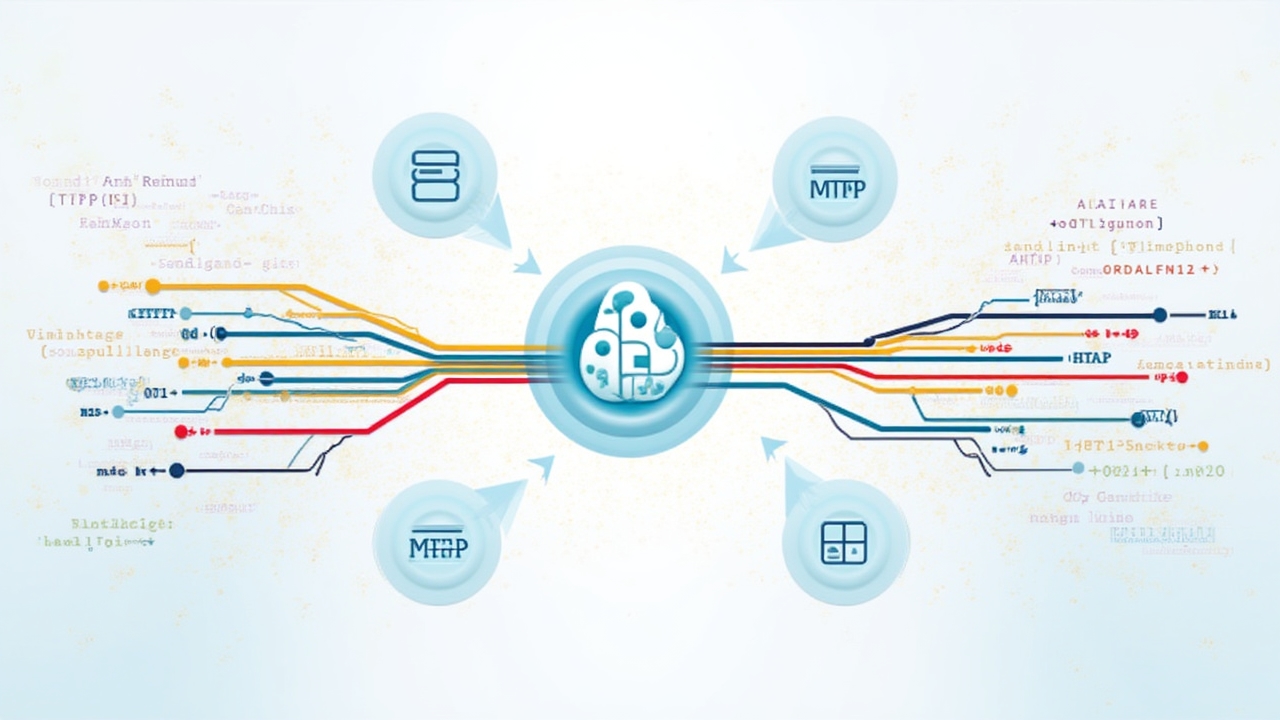
All protocol bridges implement comprehensive security measures, including:
The following example demonstrates how to connect a sensor network using MQTT to our platform:
# MQTT to Platform Bridge Configuration Example

# Broker Connection Settings
broker:
  host: mqtt.neuraatlas.com
  port: 8883
  client_id: "city-district-bridge-${ZONE_ID}"
  use_tls: true
  cert_file: "/path/to/client.crt"
  key_file: "/path/to/client.key"
  ca_file: "/path/to/ca.crt"

# Topic Mapping
topic_mapping:
  - source: "sensors/+/temperature"
    destination: "data/environmental/temperature"
    transform: "payload.temp = payload.value * 1.8 + 32"

  - source: "sensors/+/humidity"
    destination: "data/environmental/humidity"
    transform: null

# QoS Settings
qos:
  default_level: 1
  persistence: true
  retry_interval: 30
  max_retries: 5

# Authentication
auth:
  method: "certificate"
  username_template: "device-${DEVICE_ID}"
Our platform connects with specialized time-series databases to provide optimized storage and retrieval for IoT sensor data at scale.
Our database integrations implement specialized techniques for time-series data management:
The following example demonstrates a typical query integration that translates between our platform's query language and a specific time-series database:
// Time-Series Query Translation Example

// Original Platform Query
const platformQuery = {
  metric: "temperature",
  tags: { location: "district-5", sensor_type: "outdoor" },
  aggregation: "avg",
  interval: "1h",
  timeRange: {
    start: "2025-01-01T00:00:00Z",
    end: "2025-01-07T23:59:59Z"
  }
};

// Translated to InfluxDB Query
const influxQuery = `
SELECT mean("value") AS "avg_temperature"
FROM "sensors"."temperature"
WHERE "location" = 'district-5' AND "sensor_type" = 'outdoor'
  AND time >= '2025-01-01T00:00:00Z' AND time <= '2025-01-07T23:59:59Z'
GROUP BY time(1h)
`;

// Translated to TimescaleDB (PostgreSQL) Query
const timescaleQuery = `
SELECT
  time_bucket('1 hour', time) AS bucket,
  AVG(value) AS avg_temperature
FROM temperature_readings
WHERE location = 'district-5' AND sensor_type = 'outdoor'
  AND time >= '2025-01-01T00:00:00Z' AND time <= '2025-01-07T23:59:59Z'
GROUP BY bucket
ORDER BY bucket
`;
Connect our platform's real-time data streams to specialized visualization and business intelligence tools for enhanced insights and reporting.
Our WebSocket and Server-Sent Events connectors enable live data visualization in popular dashboard platforms with sub-second latency.
Our platform supports a wide range of export formats for integration with analytics and reporting tools.
Multiple integration approaches to suit different technical requirements and security constraints.
Our platform integrates with edge computing devices and gateways to enable distributed intelligence and reduce latency in smart city deployments.

The following configuration demonstrates a typical edge node deployment in a smart city environment:
// Edge Node Configuration Example

{
  "node_id": "edge-district5-node12",
  "location": {
    "lat": 54.6872,
    "lng": 25.2797,
    "zone": "district-5",
    "description": "Intersection of Main St and Oak Ave"
  },
  "hardware": {
    "model": "NeuraEdge-3000",
    "cpu": "4 cores @ 1.5GHz",
    "ram": "4GB",
    "storage": "128GB SSD",
    "power": "PoE+ / Solar backup"
  },
  "connectivity": {
    "primary": {
      "type": "fiber",
      "bandwidth": "1Gbps",
      "provider": "CityNet"
    },
    "backup": {
      "type": "lte",
      "bandwidth": "50Mbps",
      "provider": "MobileLink"
    },
    "mesh": {
      "enabled": true,
      "protocol": "802.11s",
      "peers": ["edge-district5-node11", "edge-district5-node13"]
    }
  },
  "processing": {
    "filters": [
      {
        "sensor_type": "traffic",
        "condition": "value.count < 2",
        "action": "drop"
      },
      {
        "sensor_type": "environmental",
        "condition": "abs(value - last_value) < threshold",
        "action": "drop",
        "parameters": {
          "threshold": {
            "temperature": 0.5,
            "humidity": 2.0,
            "air_quality": 5.0
          }
        }
      }
    ],
    "aggregations": [
      {
        "sensor_type": "traffic",
        "window": "5m",
        "functions": ["avg", "max", "count"],
        "group_by": ["direction", "vehicle_type"]
      }
    ],
    "events": [
      {
        "name": "high_congestion",
        "condition": "traffic.count > 100 && traffic.speed < 10",
        "actions": [
          {
            "type": "alert",
            "priority": "high",
            "recipients": ["traffic_control", "emergency_services"]
          },
          {
            "type": "actuator",
            "target": "traffic_signals",
            "command": "congestion_mode"
          }
        ]
      }
    ]
  }
}
Our platform integrates with diverse notification systems to ensure critical alerts reach the right stakeholders through their preferred channels.
Multiple notification pathways ensure alerts reach stakeholders through their preferred communication methods.
Sophisticated rules processing for accurate alert generation and intelligent routing.
Targeted notification delivery based on roles, responsibilities, and escalation paths.
Our comprehensive API ecosystem enables custom integrations and extensions, allowing you to build specialized applications on top of our platform.
Our API is designed following REST principles with consistent patterns across endpoints. The architecture includes:
Our webhook infrastructure enables real-time push notifications for platform events:
The following examples demonstrate typical API interactions with our platform:
// Request
GET /api/v1/data/sensors/temperature?location=district-5&start=2025-01-01T00:00:00Z&end=2025-01-02T00:00:00Z&interval=1h
Authorization: Bearer eyJhbGciOiJIUzI1NiIsInR5cCI6IkpXVCJ9...
Accept: application/json

// Response
{
  "status": "success",
  "data": {
    "sensor_type": "temperature",
    "location": "district-5",
    "unit": "celsius",
    "interval": "1h",
    "readings": [
      {
        "timestamp": "2025-01-01T00:00:00Z",
        "value": 21.5,
        "min": 20.8,
        "max": 22.3,
        "count": 12
      },
      {
        "timestamp": "2025-01-01T01:00:00Z",
        "value": 20.9,
        "min": 20.1,
        "max": 21.7,
        "count": 12
      },
      // Additional data points...
    ]
  },
  "meta": {
    "total_points": 24,
    "aggregation": "avg"
  }
}
// Request
POST /api/v1/webhooks
Authorization: Bearer eyJhbGciOiJIUzI1NiIsInR5cCI6IkpXVCJ9...
Content-Type: application/json

{
  "name": "Traffic Alert Notification",
  "target_url": "https://traffic.citymanagement.lt/api/alerts",
  "events": [
    "sensor.threshold.exceeded",
    "traffic.congestion.detected"
  ],
  "filters": {
    "location": ["district-5", "district-6"],
    "severity": ["high", "critical"]
  },
  "headers": {
    "X-API-Key": "city_traffic_system_key_123"
  },
  "secret": "webhook_signing_secret_456",
  "active": true
}

// Response
{
  "status": "success",
  "data": {
    "webhook_id": "wh_7f9a8b7c6d5e",
    "name": "Traffic Alert Notification",
    "target_url": "https://traffic.citymanagement.lt/api/alerts",
    "events": [
      "sensor.threshold.exceeded",
      "traffic.congestion.detected"
    ],
    "created_at": "2025-01-21T14:32:10Z",
    "status": "active"
  }
}
Our structured approach to integration ensures smooth connectivity between your existing systems and our platform.
We begin with a thorough assessment of your existing systems, data flows, and integration objectives to create a detailed integration plan.
Our integration architects design a solution that addresses your specific requirements, considering performance, security, and scalability needs.
We implement the integration components and conduct comprehensive testing in a sandbox environment to ensure reliability.
The integration is deployed to production with careful monitoring and validation to confirm proper operation.
We provide detailed documentation and training for your team to manage and maintain the integration.
All integrations implement comprehensive security measures, including encryption, authentication, and regular security reviews.
Integrations are designed with fault tolerance in mind, including retry mechanisms, circuit breakers, and graceful degradation.
We optimize data transfer patterns to minimize latency and bandwidth consumption, particularly for resource-constrained environments.
Comprehensive monitoring ensures integration health is continuously assessed, with alerts for any anomalies.
Clear versioning strategies ensure smooth updates and backward compatibility for critical integrations.
Contact our integration team to discuss your specific requirements and explore how our platform can connect with your existing systems.
Contact Integration Team